Does this replace the Nanit app?
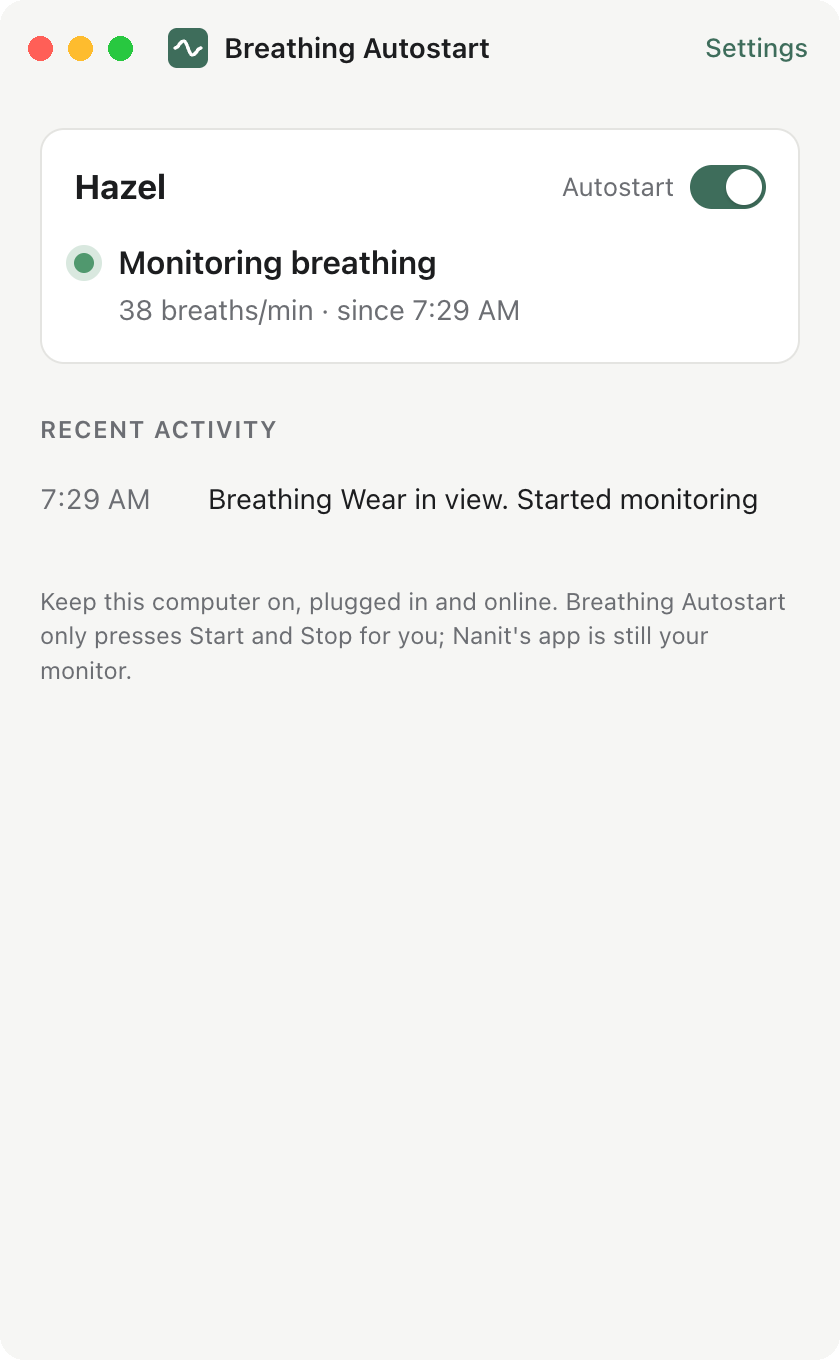
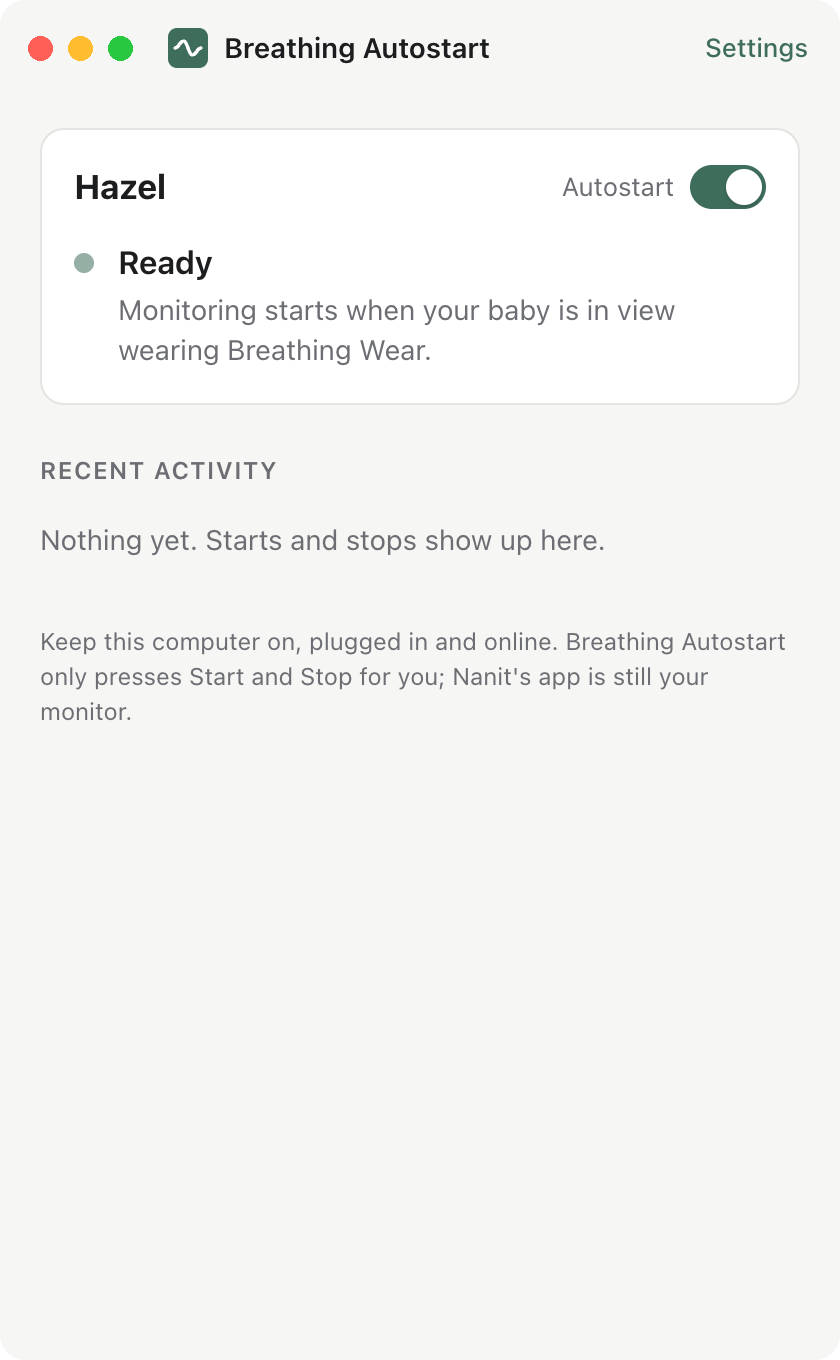
No. Nanit does all the monitoring and sends all the alerts, exactly as before. This app only presses Start and Stop in Nanit's Breathing Motion monitoring for you. Keep the Nanit app on your phone.
Is it a medical device?
No, and neither is Nanit's breathing monitoring. Follow safe sleep guidance. If the app can't reach your camera you'll get a notification, and you can start monitoring in the Nanit app as usual.
What do I need?
A Nanit camera with Breathing Motion monitoring, Breathing Wear (band, swaddle or sleep bag), and a Mac (macOS 11 or later, Apple silicon or Intel) or Windows 10/11 PC that stays on.
Does my computer have to stay on?
Yes. The app keeps the computer from sleeping while it's working (the screen can still turn off). A laptop should stay plugged in with the lid open. If the computer sleeps or goes offline, autostart pauses until it's back.
Why does Nanit say "monitoring was stopped by" me?
Nanit notes who pressed Stop. When the app stops a session, it does so with your account, so Nanit shows your name. That short note replaces Nanit's full-screen dialogs.
What if I stop monitoring myself?
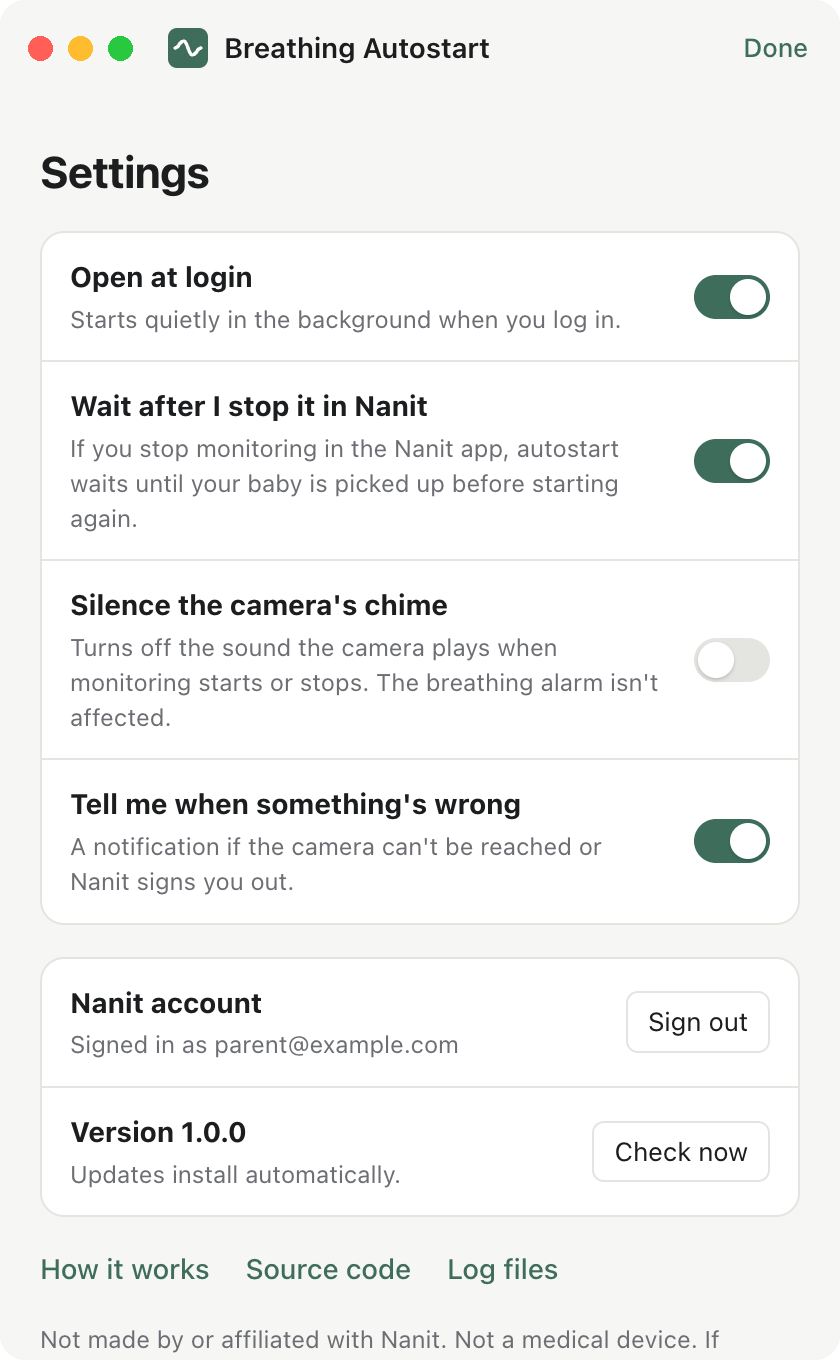
Autostart waits until your baby is picked up and put back down before starting again. You can turn that off in Settings if you'd rather it start again right away.
What happens to my Nanit password and video?
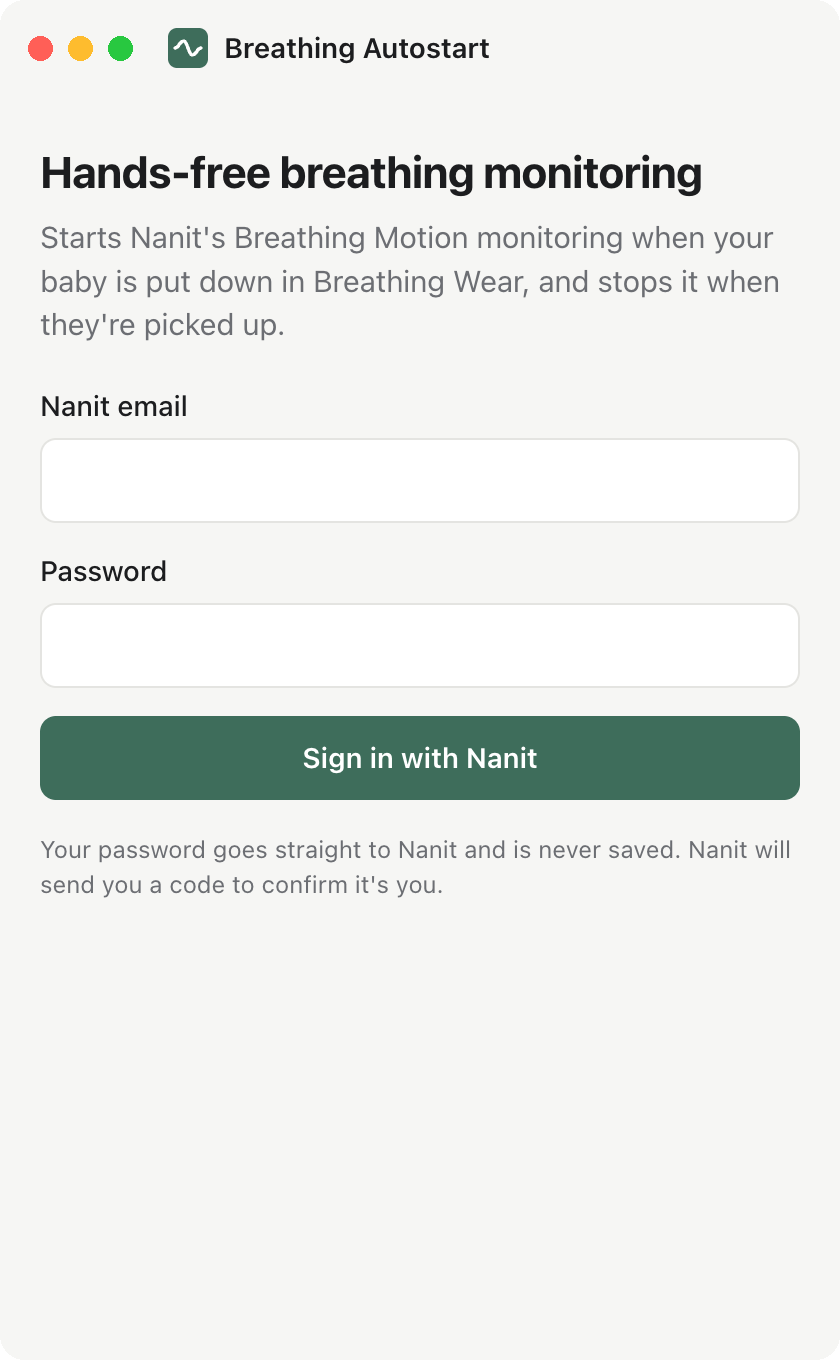
Your password goes only to Nanit and is never saved. The app keeps Nanit's sign-in tokens encrypted by your computer's keychain or Windows Data Protection. It talks only to Nanit and to GitHub (for updates). There's no server of ours and no analytics. Video frames go only to Nanit's own Breathing Wear finder.
Windows warned me when I opened it
If SmartScreen says "Windows protected your PC", click More info, then Run anyway. You only do this once. The Mac app is signed and notarised by Apple, so it opens without a warning.
Can I use it with two cameras?
Yes. Each baby with a camera gets its own card and its own Autostart switch. Run the app on one computer only, so two copies don't both start and stop monitoring.
How much internet does it use?
While your baby is out of bed it reads the camera's video, about as much as having Nanit's live view open. While monitoring runs normally it stops reading the video.
Is it open source?
Yes, MIT licensed, on GitHub. Every build is tested against a stand-in for Nanit's service and installed on Mac and Windows before release.
 Breathing Autostart